These days I’ve been working on adding support for oriented lights. It’s mostly there, even though there are a couple of missing details and the current code is obviously slower than it could be.
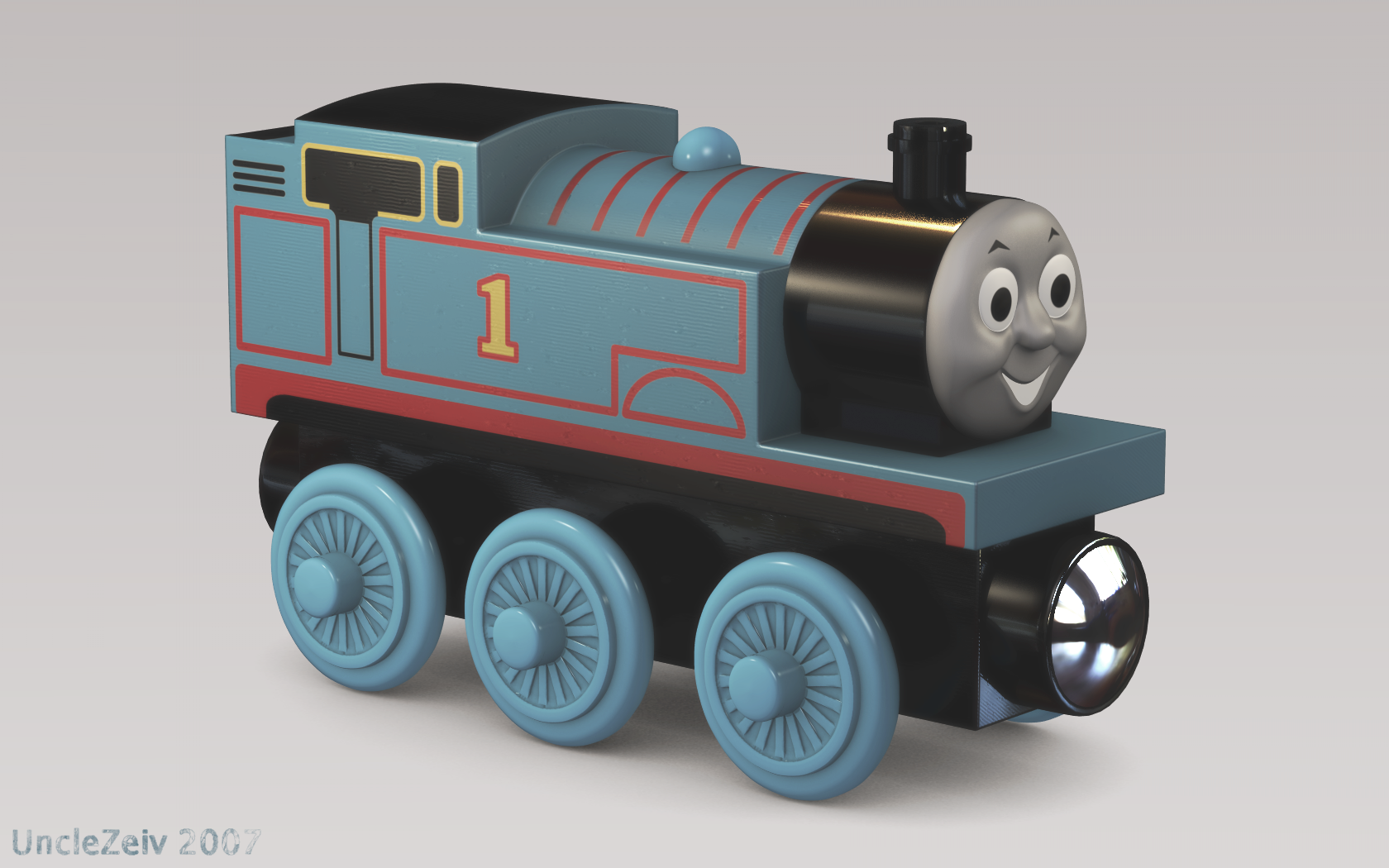
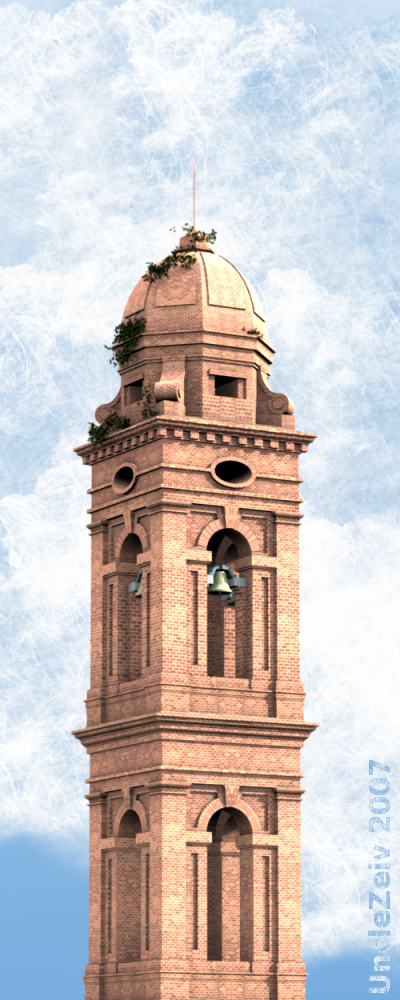
Still, like in my previous post, I can’t resist posting another revisited preliminary test, now rendered with actual lightcuts code.
And the corresponding false colour image:
The original test took almost an hour to render, at 400×300 OSA5. This one took ten minutes at 800×600. True, the images don’t look exactly the same, but that’s because I changed the falloff type of the virtual point lights to a more realistic inverse squared. Still, the speed improvement looks pretty good already!
Yes, I am perfectly aware that the shadow from the sun suffers from aliasing problems. This issue will be addressed somehow, so don’t worry about that.
Please note that the virtual point lights have been placed by a custom (and pretty hackish) Python script; generating them automatically is something that I definitely want to do in the future, but is not strictly speaking part of the current GSoC.
My plan in the near future is to complete the basic feature set in time for midterm evaluation — that is, adding support for specularity and for the other diffuse shaders available in Blender. This is holding back some other things I would like to do as soon as possible, such as releasing a couple of Blender scripts to render from environment maps and to do basic indirect lighting, and squashing the bug that is causing this video to flicker like crazy.


Recent Comments